
Chore planner + shared grocery list
Chores, sorted. Together.
Set up your chores once. Taskie shows everyone what's theirs today and keeps the turns fair. No nagging, no spreadsheets, no "whose turn is it?"
- Free for one person
- No account needed
- No ads, no tracking

How it works
Set up once. Then it just runs.
Most homes have the same chores every week. Tell Taskie once, and it plans the weeks ahead for everyone.
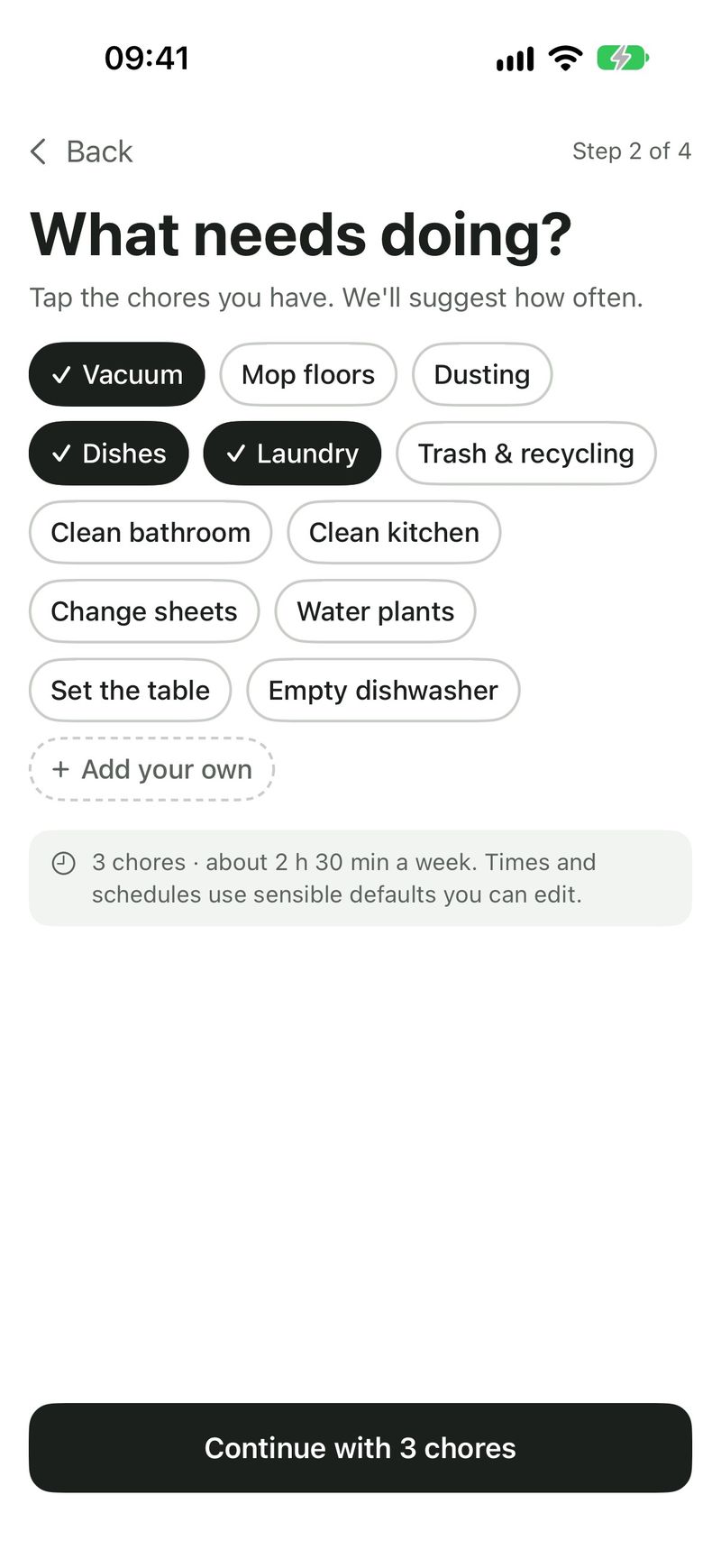
Pick your chores
Tap the ones you have from the built-in library (vacuuming, dishes, laundry, bathroom, bed sheets, plants and more) or add your own with a time estimate and a note.
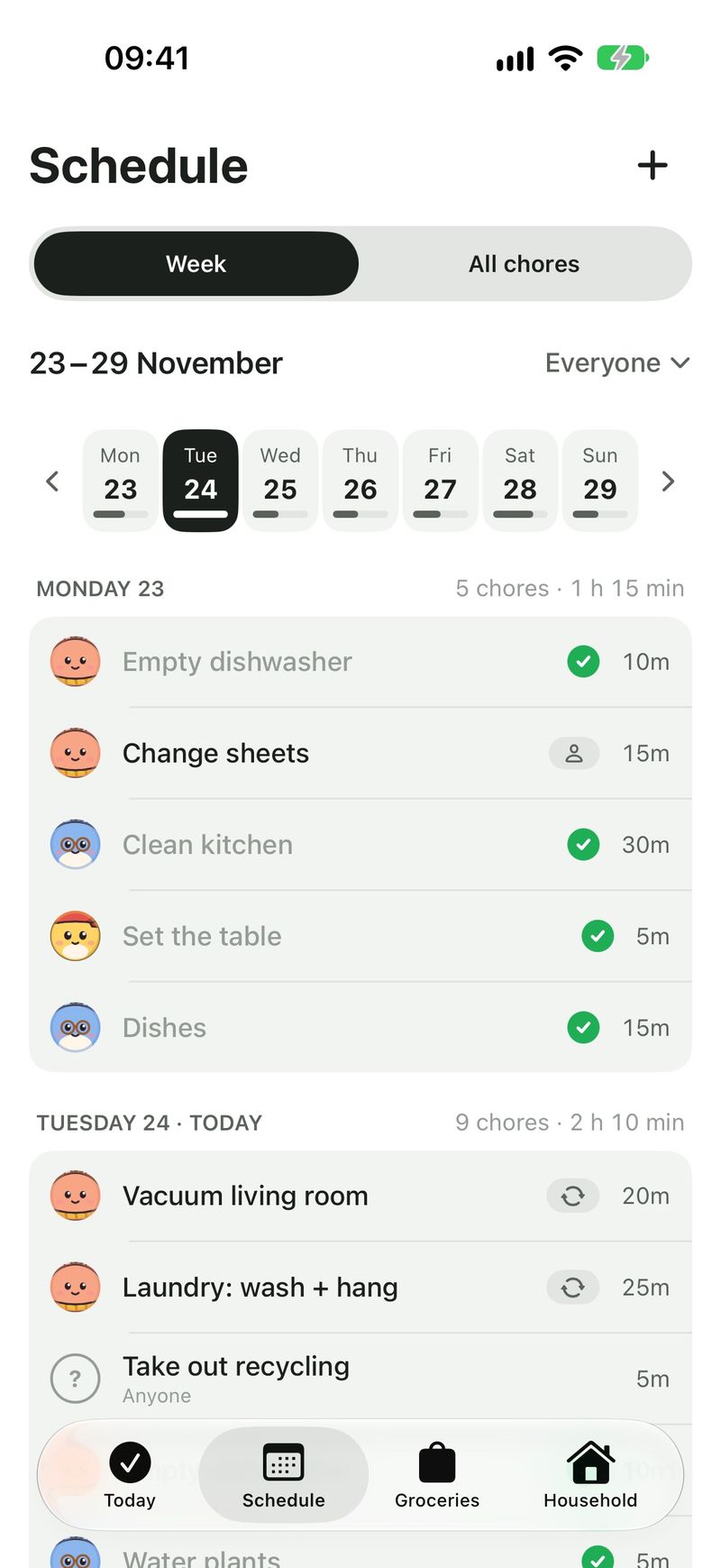
Get a rolling schedule
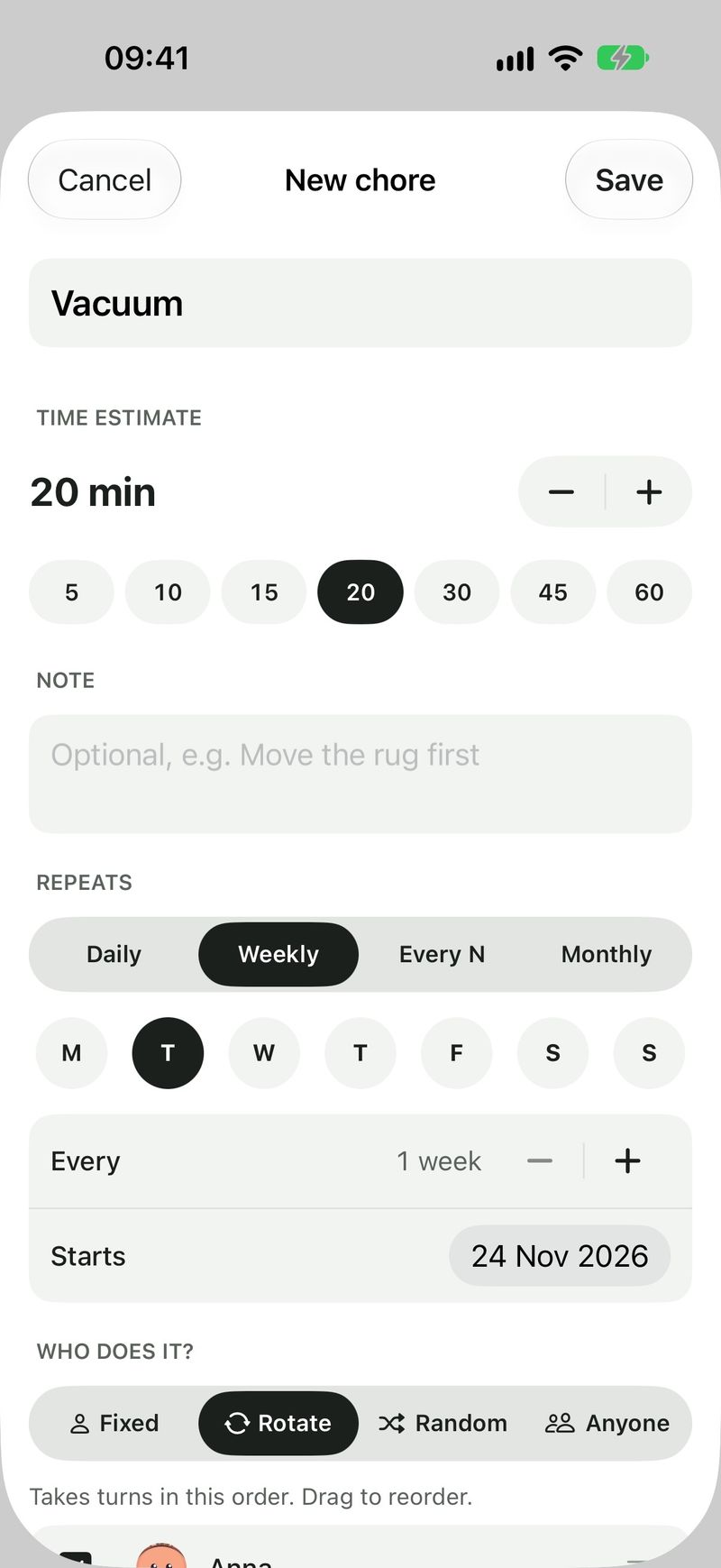
Daily, weekly, every few days or weeks, monthly or on set weekdays. Taskie spreads it all over the week and keeps it rolling.
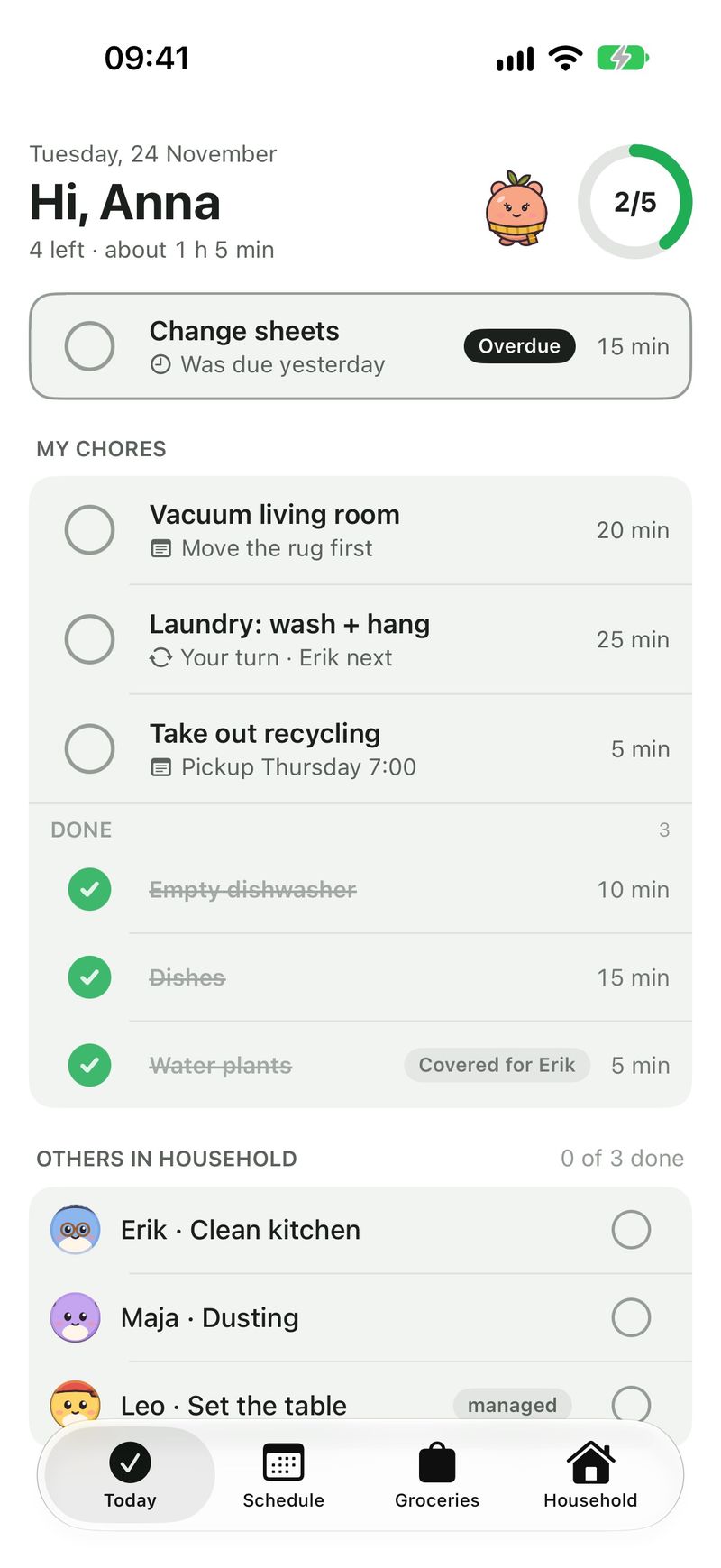
Tick off what's yours
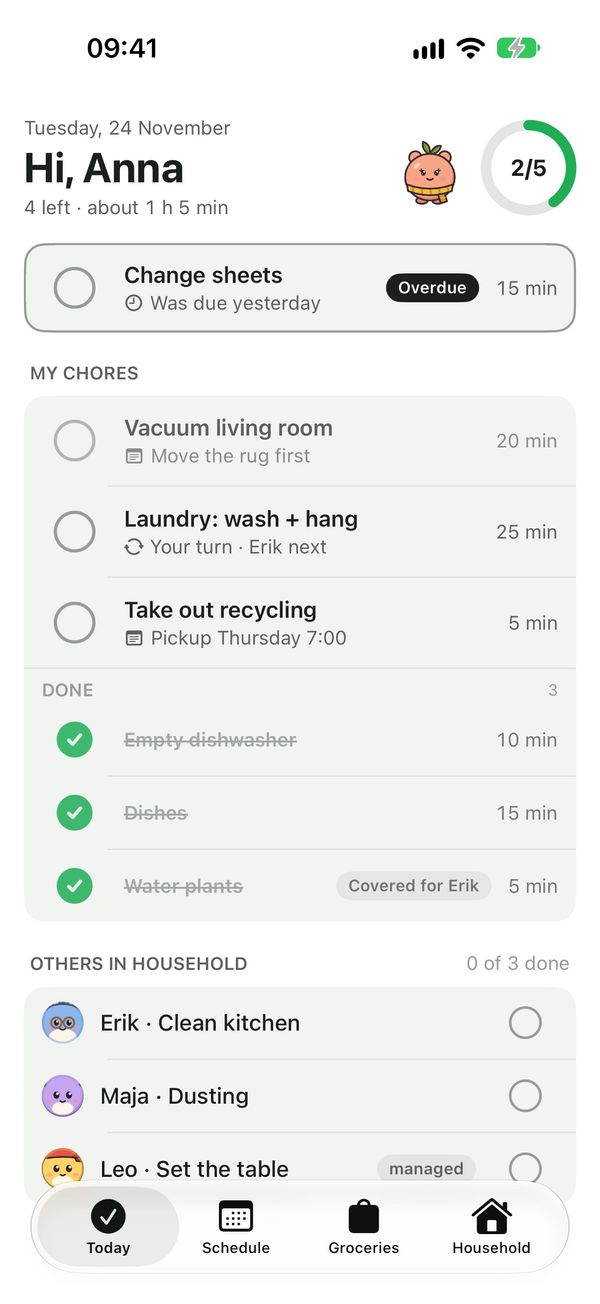
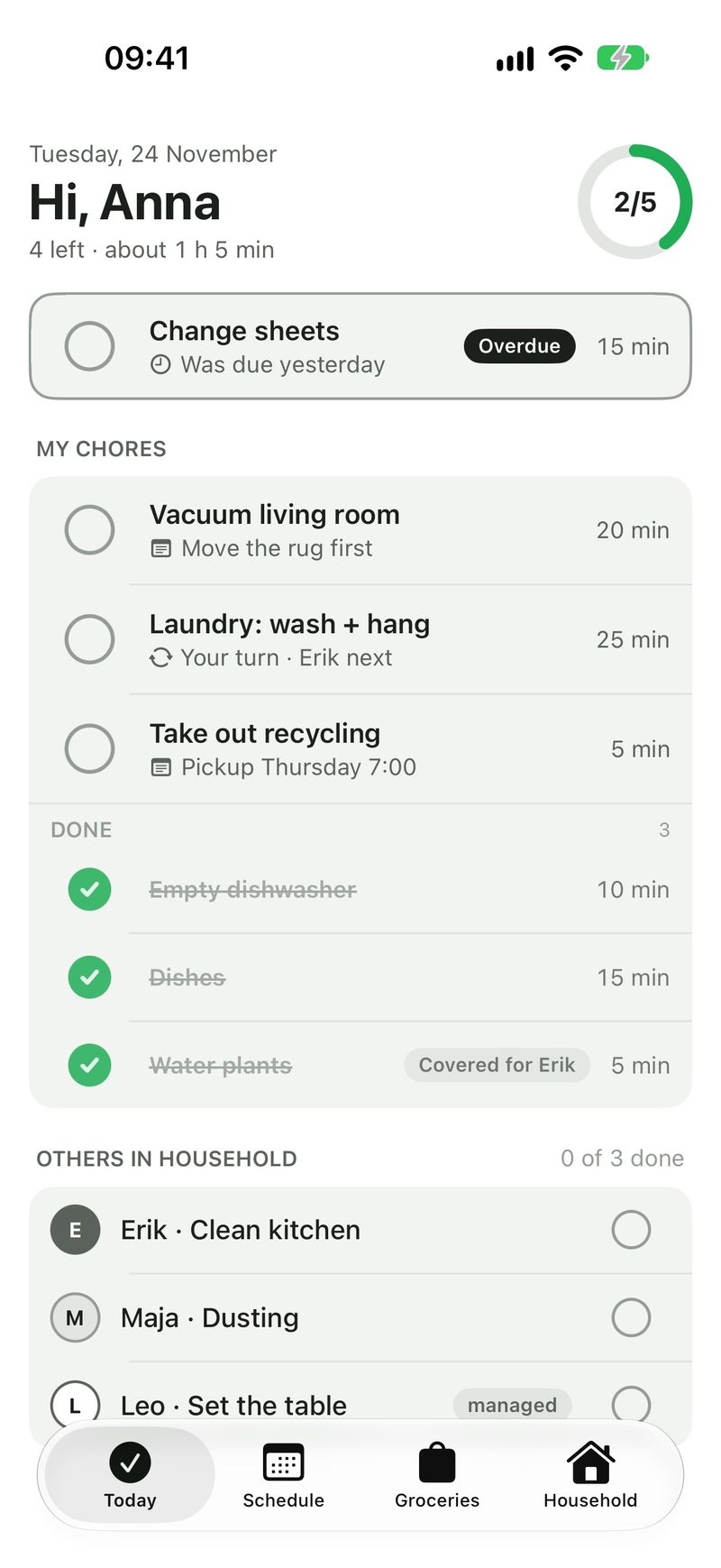
Open Taskie and see only what's yours today. A missed chore waits on Today as overdue, and the schedule doesn't drift.
Fair turns
Fair turns, automatically.
Choose how each chore is shared. Taskie remembers whose turn it is, so nobody has to keep score.
Rotate
Take turns through the people you pick, in the order you set.
Fixed
Always the same person. Good for "Leo sets the table".
Random, balanced
Shared out by time, so nobody gets stuck with more.
Anyone
Whoever does it first gets the credit.
- Covered for someone? You get the credit.Their turn in the rotation stays the same.
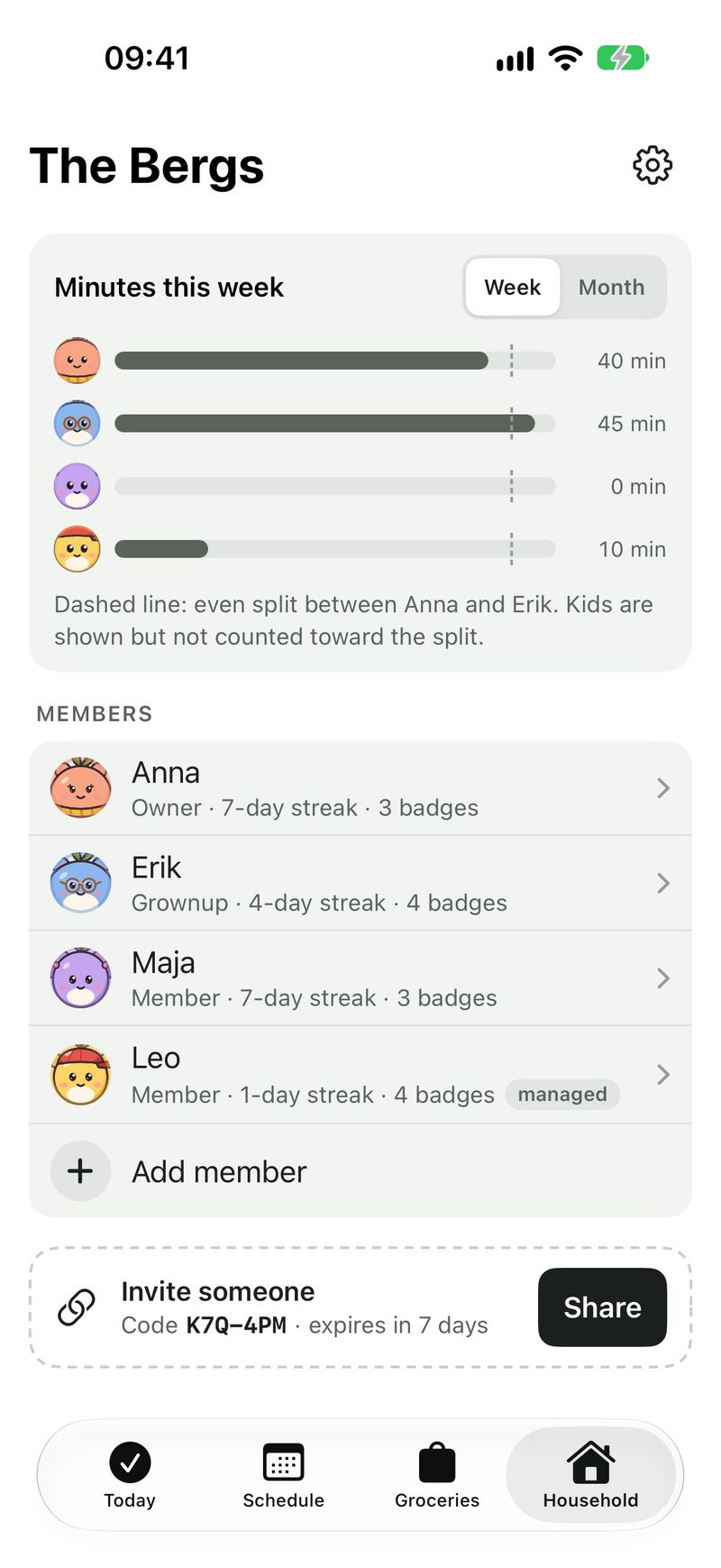
- Everyone's minutes, side by side.See each person's chore time this week against an even split. Kids' minutes are shown, but not counted.
The good part
Tick it off. Feel it.
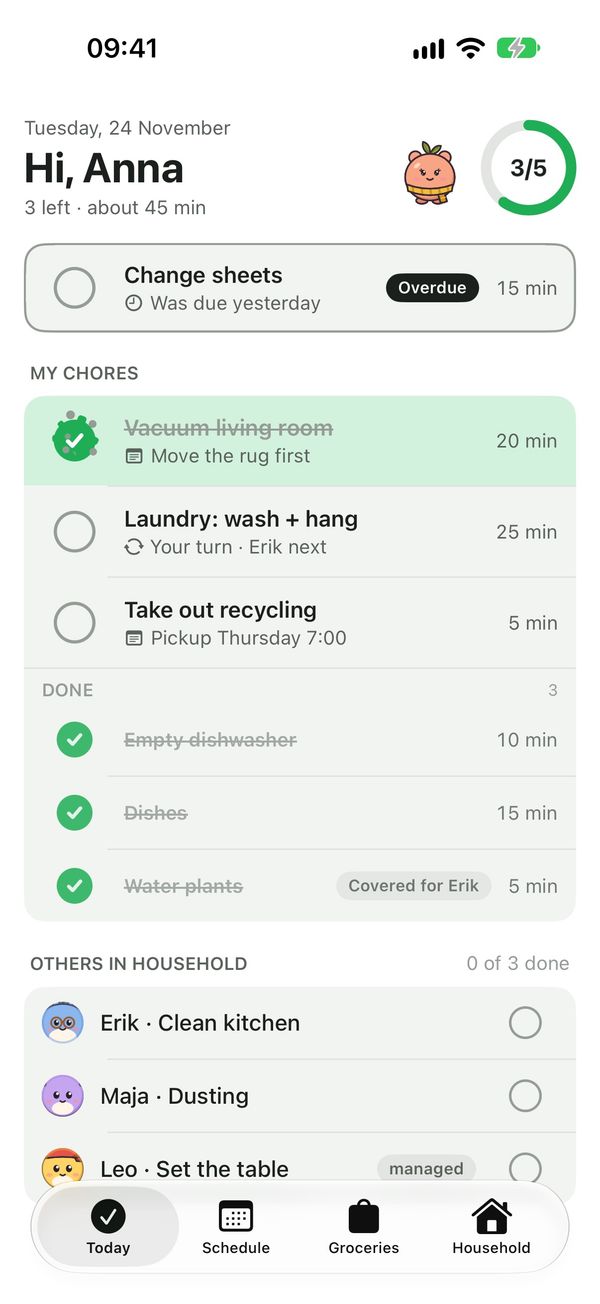
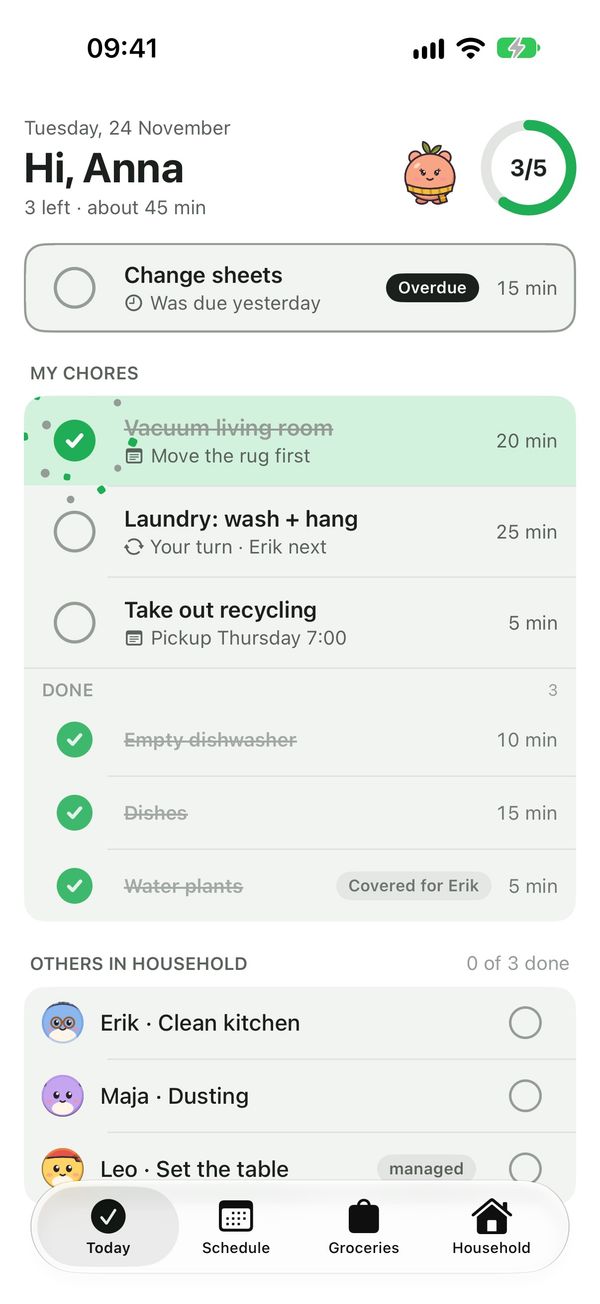
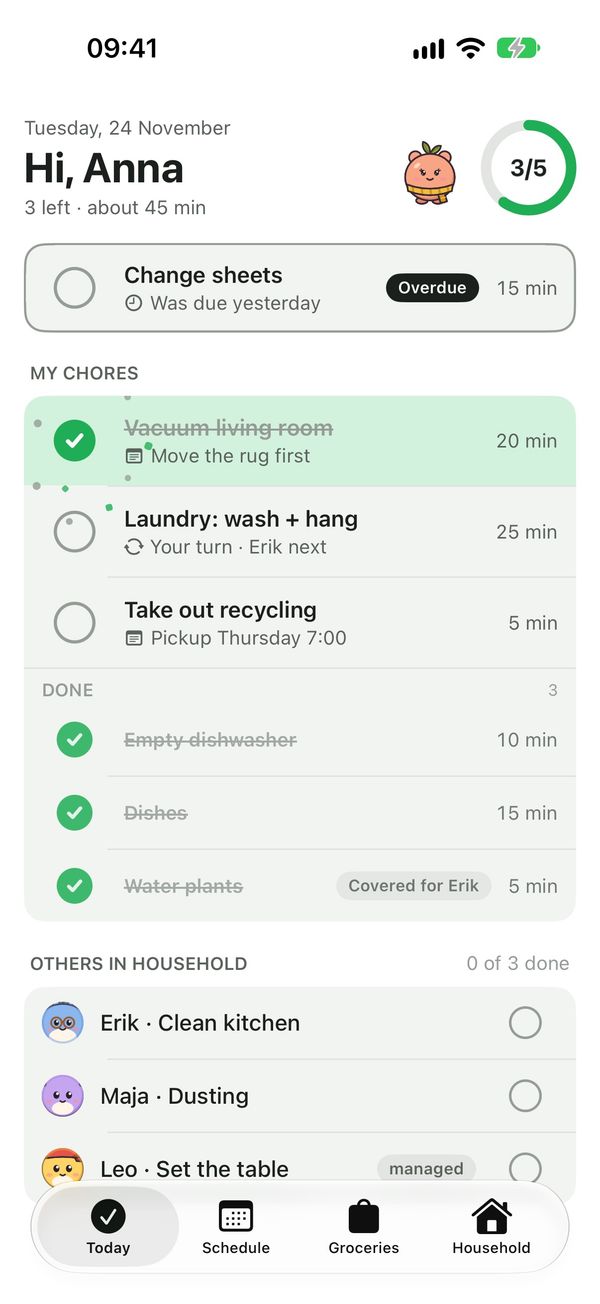
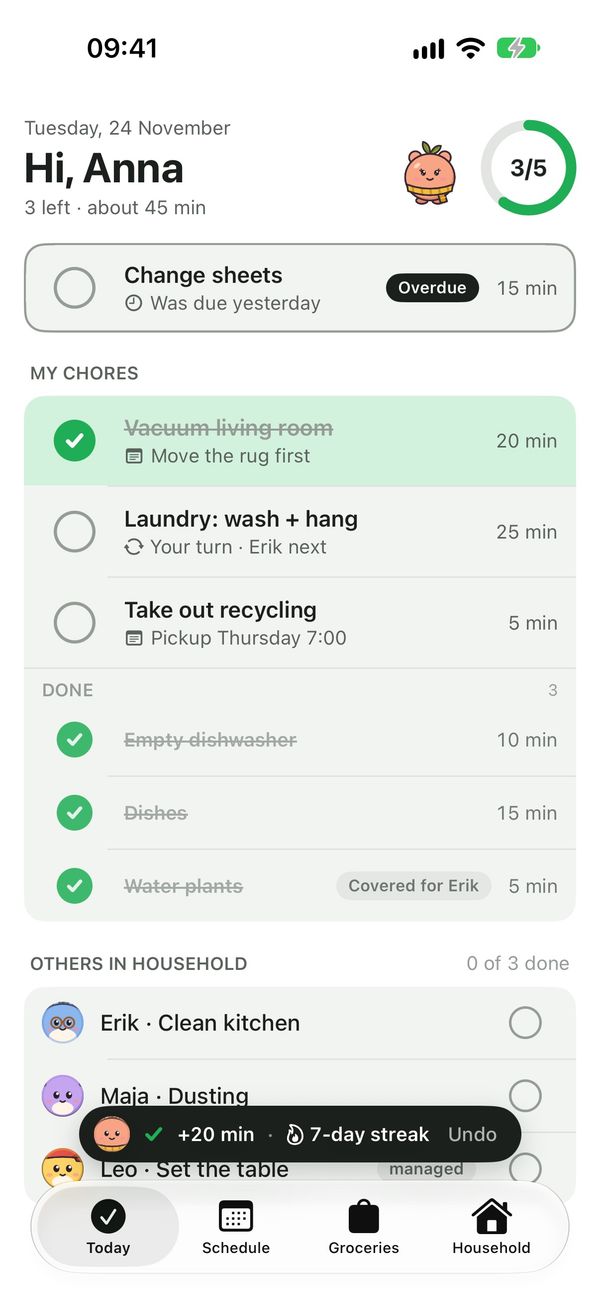
Chores are rarely fun. Finishing one should at least feel good, so every tick in Taskie gets a small celebration.
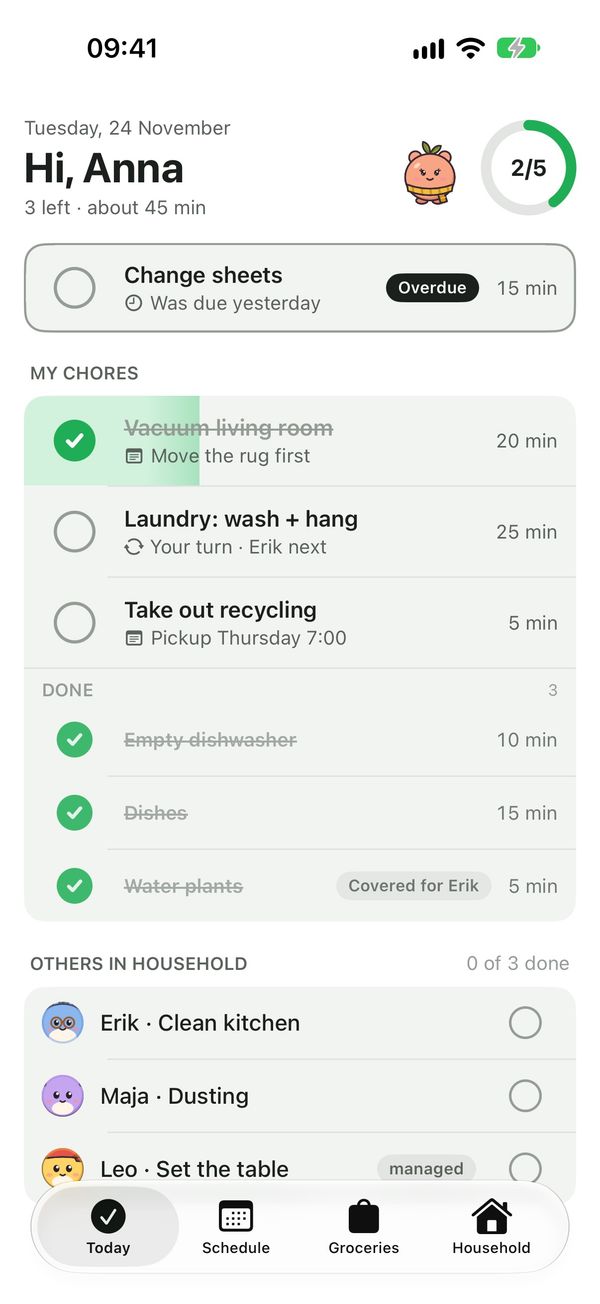
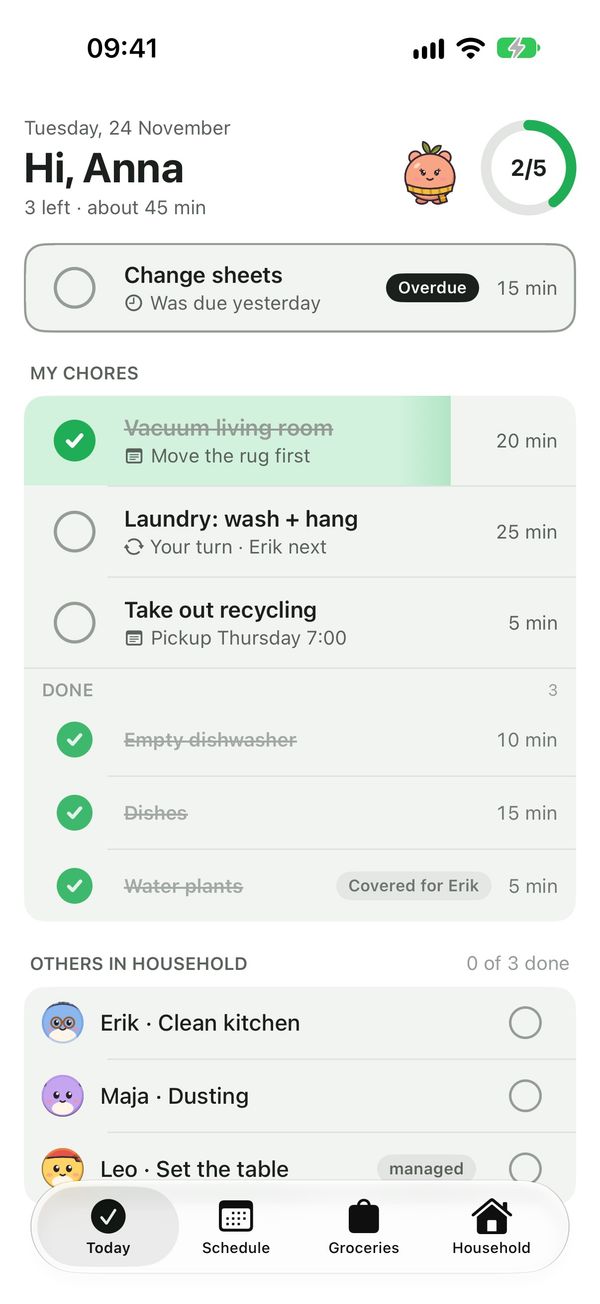
- A green flashThe whole row lights up.
- A haptic tapYou feel it in your hand.
- A check that draws itselfWith a little burst of confetti.
- Your ring fills upPlus minutes and your streak.
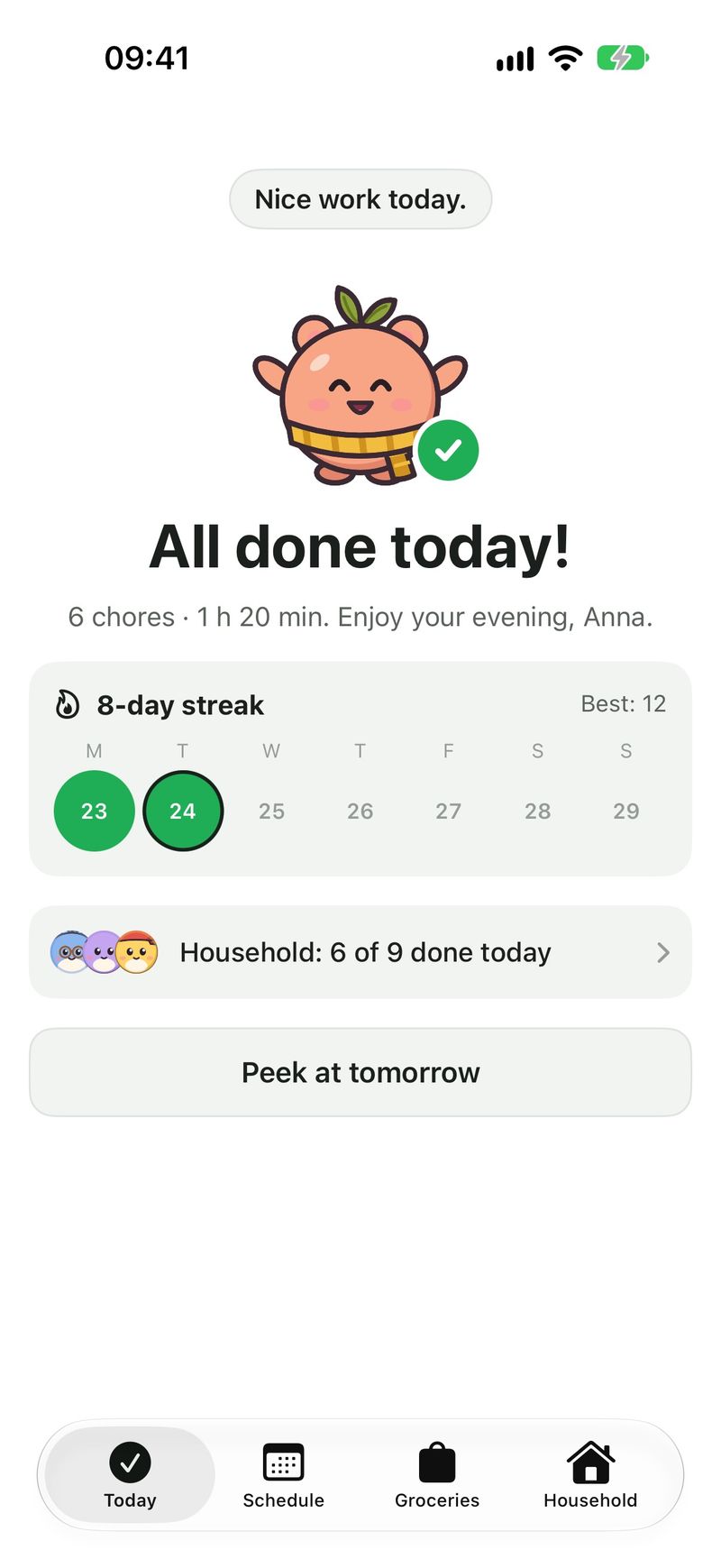
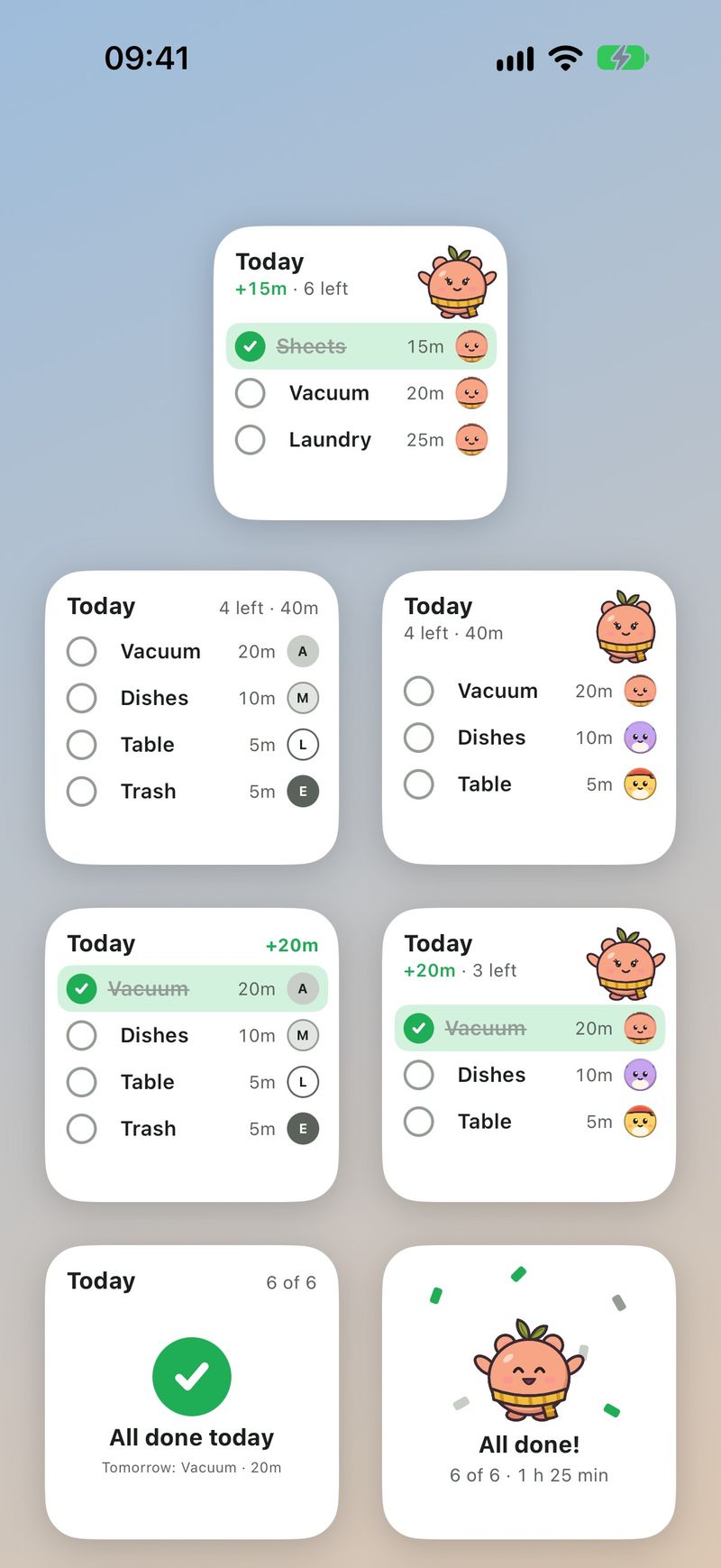
Finish your day and Taskie says "All done today". Reduce Motion on your iPhone keeps it calm and still.
Shared grocery list
One grocery list for the whole home.
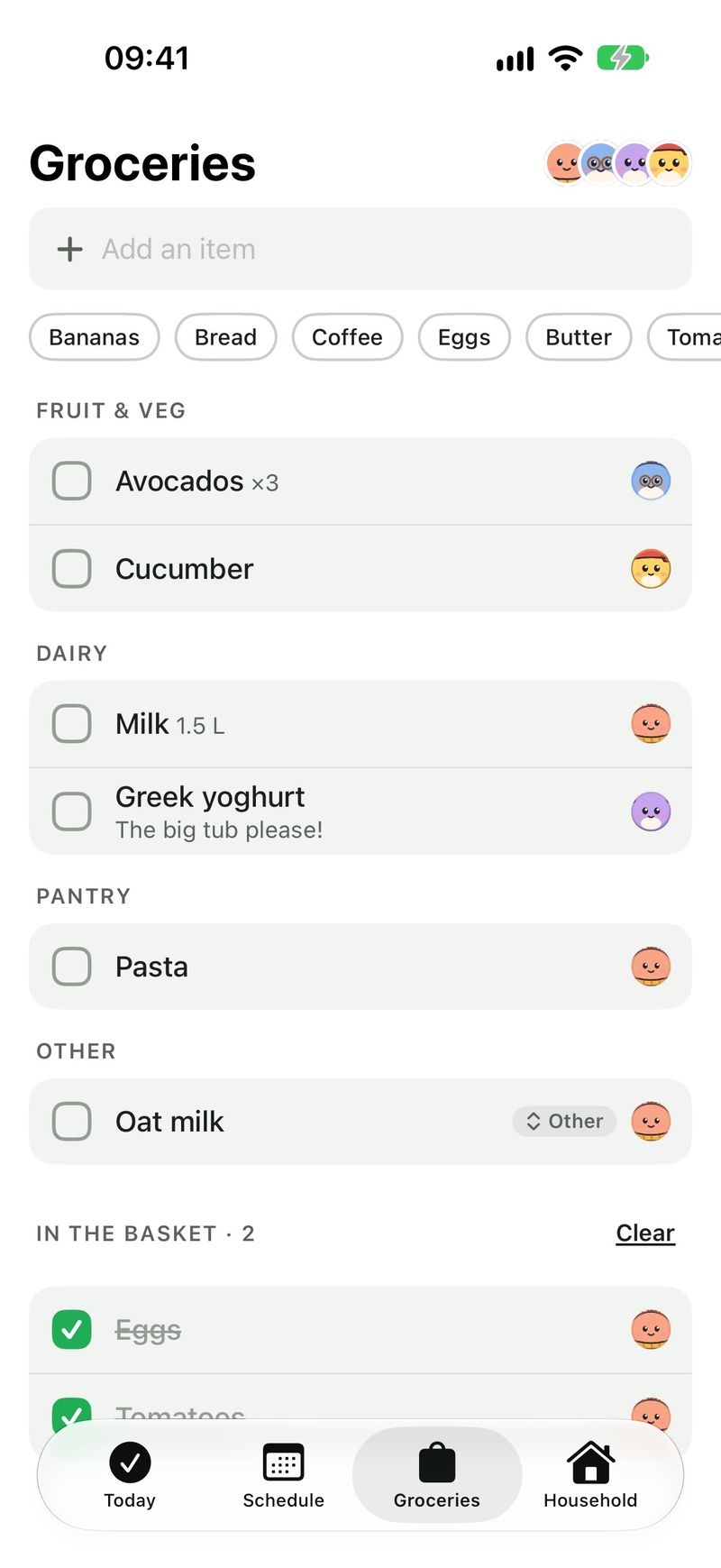
Add things in seconds when you notice they're out. Tick them off in the shop and clear the basket when you're back. Everyone sees the same list.
- Quick addType it or tap a suggestion. Taskie sorts it into the right aisle, like fruit and veg, dairy or pantry.
- See who added whatEvery item shows who put it on the list, with a quantity or a note when it matters.
- Chores and groceries in one calm appNo calendar, budget or meal planner to wade through.
Your own list is free. Sharing it with others is part of Taskie Pro.
Optional mascots
Meet the Taskies.
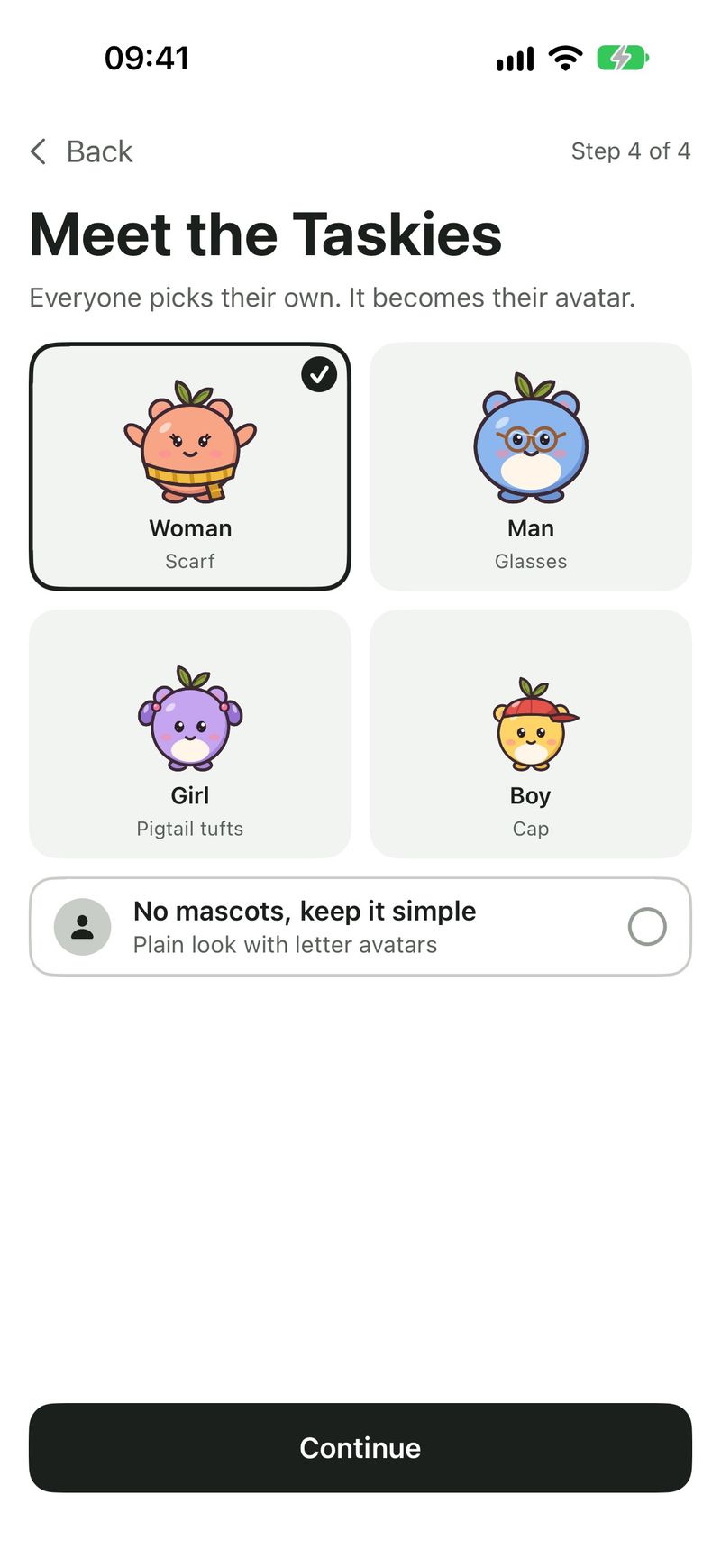
Four friendly characters, two grownups and two kids. Everyone picks one as their avatar, and it cheers them on. It helps get kids involved.




Pick your Taskie
Each person chooses their own character. It becomes their avatar across the app and the widget.
Streaks and "all done"
Taskies celebrate streaks, badges and the moment the day is done. A little encouragement goes a long way with kids.
Or no fluff at all
Prefer to just get things done? Switch mascots off for yourself or for the whole household.
Home Screen widget
Your next chores, at a glance.
A small widget shows the next few chores, who they're for and how long they take. Tick one off right from your Home Screen without opening the app.
- With or without your mascotThe widget follows your mascot setting.
- Light and darkTaskie follows your iPhone, or pick Light or Dark yourself.
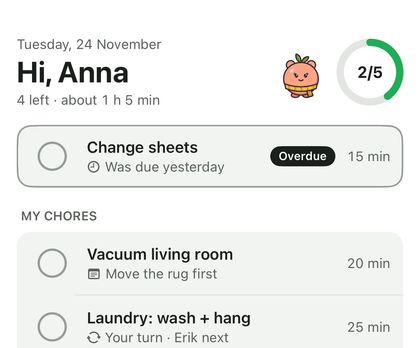
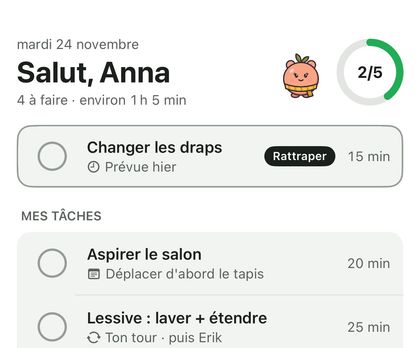
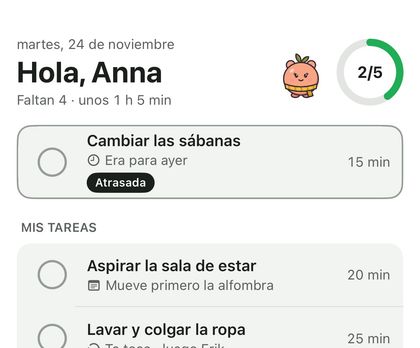
11 languages
Speaks your household's language.
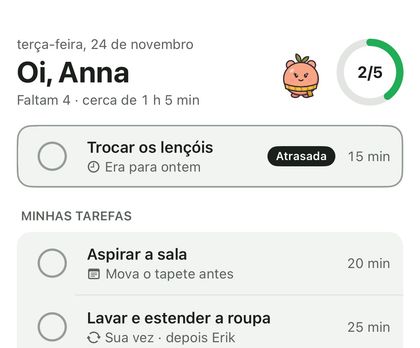
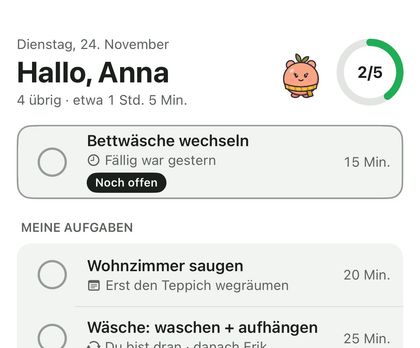
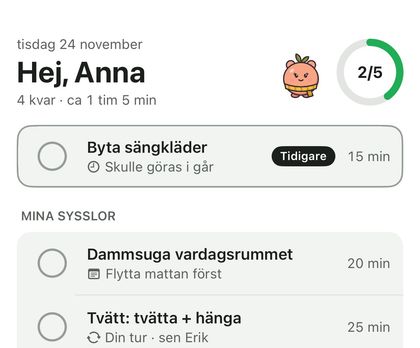
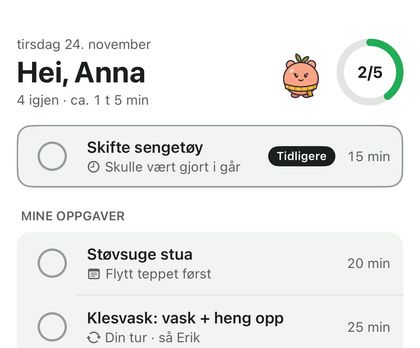
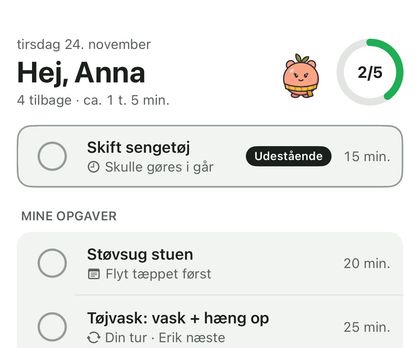
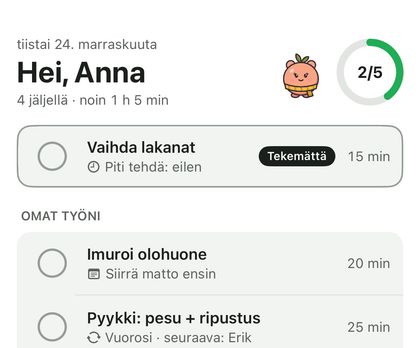
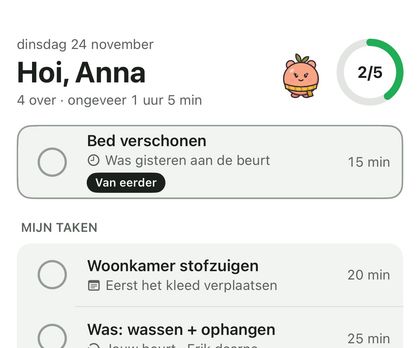
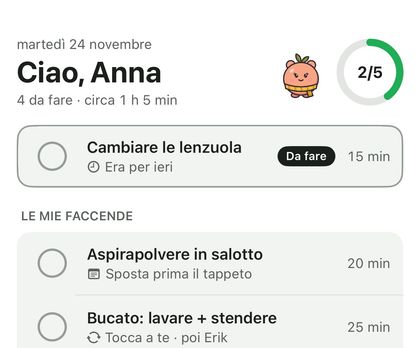
Taskie starts in your iPhone's language and you can switch any time. Chore names, grocery aisles and the mascots' cheers are all translated.
Privacy
Your home is nobody else's business.
Taskie needs very little about you, and it keeps it that way.
No account
No email, no password, no sign-up. Join a household with a link or a 6-character code.
No ads
Taskie is paid for by the people who use it, not by advertisers. Your data is never sold.
No tracking
No analytics or advertising SDKs in the app, and no cookies or trackers on this site.
Read the full Privacy Policy.
Pricing
One plan for the whole home.
Free for one. When you share, the owner subscribes and everyone they invite joins free.
Free
For one person
$0
Free, no time limit
- Every chore feature: library, custom chores, all repeat options
- Your own grocery list
- Home Screen widget, mascots, streaks
- Light and dark, 11 languages
Taskie Pro 1-week free trial
For the whole household
$0.99 / month
or $9.99 / year
- Invite family or roommates with a link or code
- Rotation, balanced and "anyone" chores between people
- The shared grocery list
- Managed profiles for kids without a phone
- Everyone's minutes, for a fair split
- Members join free. One subscription covers everyone.
US prices shown. Prices vary by country or region; your local price is shown in the App Store. The trial is for new subscribers. Taskie Pro renews automatically until you cancel in your Apple Account settings. If it ends, nothing is deleted: members can still view everything until the owner renews.
FAQ
Questions, answered.
Is Taskie free?
Yes, for one person. Every chore feature, the widget, the mascots and your own grocery list are free when you use Taskie on your own. Taskie Pro is for sharing a household with other people.
Who pays for Taskie Pro, and do the others need it too?
Only the household owner subscribes ($0.99 a month or $9.99 a year, with a 1-week free trial for new subscribers). Everyone the owner invites joins for free. Prices are shown in the App Store and vary by country or region.
Do I need an account or an email address?
No. There is no sign-up, email or password. Taskie creates a random identity on your device, and people join your household with an invite link or a 6-character code.
Can kids without a phone take part?
Yes. Owners and grownups can add a managed profile for a child without a phone. The child is part of the rotation, and a grownup ticks their chores off for them.
What happens if someone misses a chore?
It stays on Today as overdue until it is done. The next one is still planned from the original date, so the schedule does not drift and the rotation stays fair. Anyone can cover a chore, and whoever does it gets the credit.
What happens if the subscription ends?
Nothing is deleted. Members can still see everything but cannot make changes, and the owner can keep editing. Sharing comes back as soon as the owner renews.
Can I turn the mascots off?
Yes. Each person can switch their mascot off, and the owner or a grownup can switch mascots off for the whole household. Taskie then uses a plain, letter-avatar look.
Is there an Android version?
Taskie is coming to iPhone first. An Android app is planned, and the service is built so Android phones can join the same household later.
Does Taskie track me or show ads?
No. There are no ads and no analytics or advertising trackers in the app or on this website. Your household data is synced only so the people in your household see the same chores and lists. The Privacy Policy has the details.
More help on the support page.




Less "whose turn is it?"
More "all done today."
Taskie is coming soon to iPhone. Android is planned.